A compromised Microsoft 365 account can become a business interruption within minutes. An attacker who gains access to one employee mailbox may reset passwords, send convincing payment requests, access shared files, or target senior leadership. Multifactor authentication benefits businesses by making a stolen password far less useful and adding a critical barrier between a criminal and your systems.
For organizations that rely on cloud applications, remote staff, mobile devices, and third-party platforms, passwords alone are no longer an adequate access control. Multifactor authentication, commonly called MFA, verifies a user through two or more factors, such as something they know, something they have, or something they are. The goal is straightforward: confirm that the person requesting access is genuinely authorized.
Why Passwords Are No Longer Enough
Even a strong password can be exposed. Employees may enter credentials into a phishing page that looks like Microsoft 365, reuse a password previously compromised in another breach, or inadvertently share access through an unsecured device. Password attacks do not always involve sophisticated hacking. Often, they rely on urgency, impersonation, and one rushed decision.
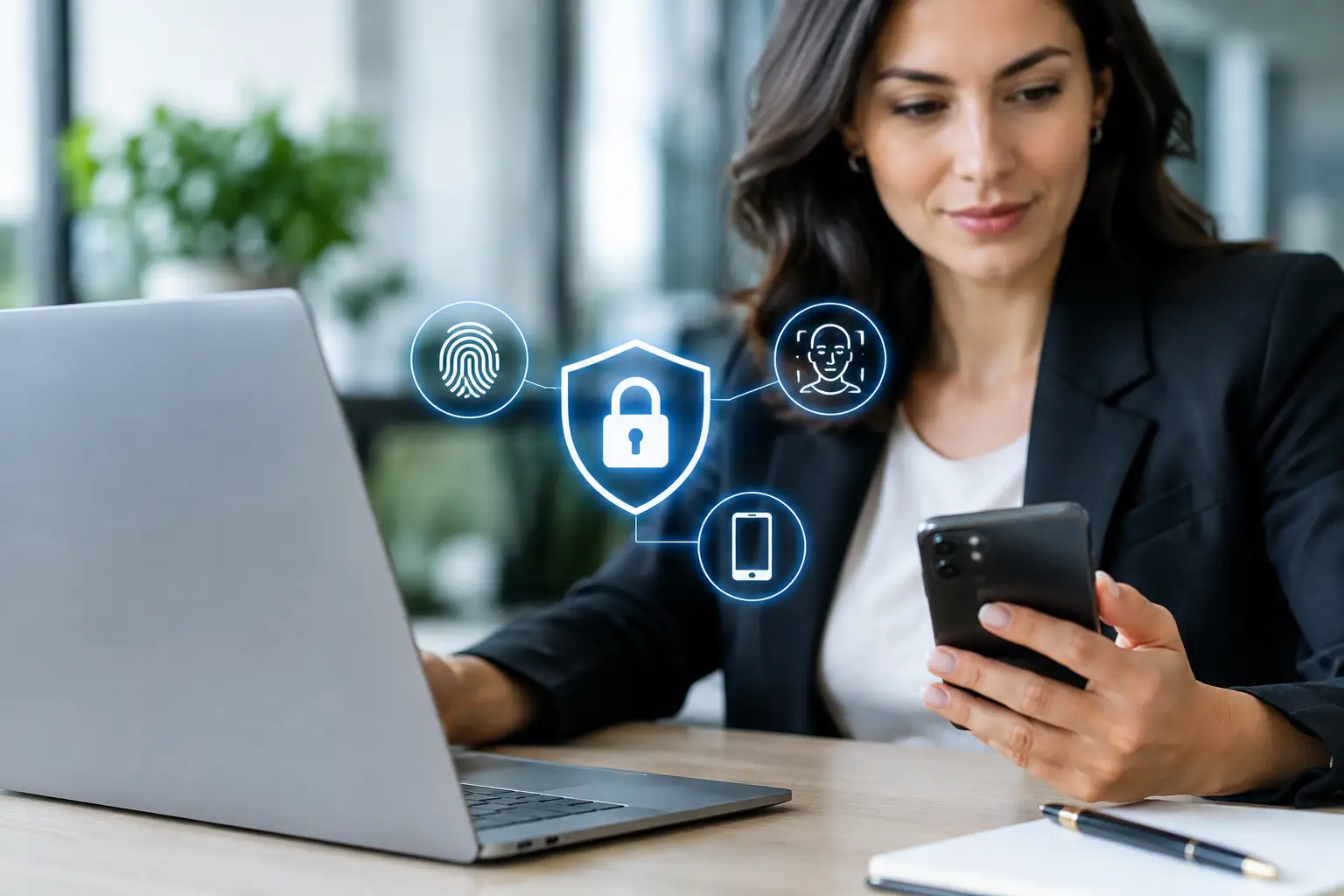
This is especially relevant for businesses managing email, finance systems, customer information, and operational documents in the cloud. A password provides one point of failure. MFA requires an additional proof of identity, such as a mobile authenticator prompt, a temporary verification code, a hardware security key, or a biometric check.
That second step changes the economics of an attack. A criminal who has obtained a password must still overcome another control. It does not eliminate risk, but it prevents many common account takeover attempts before they become an operational or financial incident.
Multifactor Authentication Benefits That Matter to Leaders
MFA is often discussed as a technical setting, but its value reaches far beyond the IT department. It protects revenue, continuity, reputation, and the time your team spends recovering from avoidable incidents.
It reduces account takeover risk
The most immediate benefit is protection against unauthorized sign-ins. When users must approve a sign-in from an authenticator app or present a security key, a stolen password alone is usually not enough to gain entry.
This is particularly valuable for email accounts. Business email compromise commonly begins with a compromised mailbox, then escalates through fraudulent invoices, altered bank details, or requests that appear to come from a trusted executive. MFA adds an essential control before an attacker can read conversations or impersonate your staff.
It protects cloud data and critical applications
Most organizations now hold valuable data across Microsoft 365, cloud storage, accounting systems, CRM platforms, HR tools, and line-of-business applications. Each login is a potential entry point.
MFA helps protect these environments without preventing legitimate work. Employees can still access approved systems from the office, home, or while traveling, but access is verified. For hybrid workforces, that balance is important. The business needs flexibility without leaving sensitive systems open to anyone who acquires a password.
It supports business continuity
A successful account takeover can trigger more than a security investigation. It can halt payments, expose confidential files, lock employees out of systems, and require urgent remediation across multiple devices and applications. The resulting downtime affects customer service, internal operations, and leadership attention.
By preventing a high proportion of unauthorized login attempts, MFA helps reduce the chance of a disruption spreading through the organization. It is not a replacement for backup, endpoint protection, email security, or disaster recovery. It is one control within a broader resilience strategy, but it is among the most effective and practical places to start.
It improves confidence with customers and partners
Customers and partners expect their information to be handled responsibly. Where businesses exchange financial information, contracts, project files, or personal data, basic identity controls demonstrate that access is managed intentionally.
MFA can also support compliance requirements and audit expectations. The exact requirements depend on your industry, contracts, and regulatory obligations, but auditors increasingly look for evidence that privileged accounts, remote access, and cloud services are protected with stronger authentication methods.
Where MFA Should Be Applied First
Not every account carries the same level of risk. A practical rollout begins with identities that could cause the greatest damage if compromised. Prioritize administrator accounts, executive email accounts, finance and payroll users, remote-access accounts, and users with access to customer or confidential business data.
Microsoft 365 deserves particular attention because email is often the starting point for phishing, fraud, and lateral movement. Enforcing MFA for all users protects the organization more consistently, while applying stricter rules to administrators and high-risk roles adds further protection.
VPNs, remote desktop tools, cloud management portals, password managers, and backup consoles should also be included. An attacker who gains access to a backup platform or an IT administration account may be able to disrupt recovery efforts precisely when the business needs them most.
Choosing the Right MFA Method
Not all MFA methods offer the same protection or user experience. SMS codes are better than password-only access, but they can be vulnerable to SIM swapping, message interception, and social engineering. They may be appropriate as a temporary fallback, but they should not be the preferred option for high-value accounts.
Authenticator applications provide stronger protection and are easy for most employees to use. Number matching, where the user enters a number displayed on the sign-in screen, can reduce the risk of accidental approval and MFA fatigue attacks. MFA fatigue occurs when attackers repeatedly send approval prompts hoping a distracted user eventually accepts one.
Hardware security keys offer a stronger option for administrators, finance teams, and users handling sensitive systems. These keys are designed to resist phishing because they validate the legitimate website or service before completing authentication. Biometric authentication can also offer a convenient user experience when used through a managed, trusted device.
The right choice depends on the applications in use, the sensitivity of the data, workforce mobility, and the support model available. A small business may begin with authenticator apps and carefully configured policies. A larger organization may combine authenticator apps, device compliance requirements, conditional access, and security keys for privileged users.
MFA Needs Policies, Training, and Support
MFA is highly effective, but poor implementation can create frustration or leave gaps. Employees need to understand that no legitimate support provider should ask them to approve an unexpected authentication prompt. They should deny the request and report it immediately.
Organizations also need a defined process for lost phones, device changes, travel, and account recovery. If emergency access is poorly managed, users may look for workarounds that weaken security. If it is too restrictive, employees may be unable to work during a genuine access issue.
A well-managed program includes controlled recovery procedures, protected emergency accounts, clear enrollment standards, and regular reviews of sign-in activity. It also avoids a common mistake: exempting too many users for convenience. Exceptions should be limited, documented, and reviewed because every exemption creates another potential path into the environment.
MFA Is Stronger With Layered Security
MFA should sit alongside endpoint management, patching, email filtering, backup, security monitoring, and user awareness training. If a phishing email reaches an employee, MFA may block the stolen credentials from being used. If malware reaches a device, endpoint protection and monitoring can help contain it. If a serious incident disrupts systems, tested backups and recovery plans help restore operations.
This layered approach is more realistic than relying on a single product or policy. Cybersecurity is not a one-time project. It is an operating discipline that requires visibility, consistent configuration, and responsive support.
For UAE organizations, a managed IT partner can help assess current access controls, configure Microsoft 365 and other cloud services, enroll users, monitor suspicious sign-ins, and maintain policies as the business changes. FixIT Computer Technologies brings this work into a broader managed security and continuity approach, helping organizations protect access without adding unnecessary complexity to daily operations.
The most useful next step is not simply turning MFA on everywhere without a plan. Identify your highest-risk accounts, choose authentication methods that your people can use reliably, and establish a recovery process before an emergency occurs. That small investment in identity protection can prevent a password mistake from becoming a business crisis.